At a Glance: Feature Summary
Here's a quick overview of Dhan Raise IFSC:
| Feature Parameter | Dhan Raise IFSC Details |
|---|---|
| Supported US Stocks | Broad universe of US-listed stocks and ETFs available via Raise IFSC (confirm specific tickers in-app) |
| ETFs | Selected international ETFs available |
| Fractional Investing | Supported (Allows investing by dollar amount) |
| Minimum Investment | Subject to broker terms and LRS remittance minimums |
| Funding Route | Liberalised Remittance Scheme (LRS) via partner bank accounts |
| Trading App Availability | Integrated experience within Dhan's ecosystem frameworks |
| Account Maintenance Fees | ₹0 — no AMC or custody fees charged |
| Brokerage on US Stocks | Flat 0.25% of transaction value on both buy and sell (minimum $0.01) |
Is Dhan Raise IFSC right for you?
- Existing Dhan users who want a familiar interface for global investing.
- Investors seeking exchange-regulated access to US-listed equities from GIFT City.
- Retail investors planning to build a global portfolio using fractional shares.
- Advanced traders requiring complex options or derivatives strategies for overseas markets — direct international brokers such as Interactive Brokers tend to offer a wider instrument set for this.
- Investors looking for direct access to stock exchanges outside the US infrastructure.
Core Platform Features & Supported Stocks
The platform is designed to make global markets accessible directly from India's IFSC zone. Instead of dealing with third-party international brokers, users get an integrated experience powered by Raise IFSC. Key product capabilities include:
- US Equities & ETFs: Direct exposure to a broad universe of US-listed companies and prominent diversified international index funds. Exact availability depends on the exchange, liquidity, custody, and compliance constraints of the underlying route, so confirm any specific ticker is supported before assuming coverage.
- Fractional Investing: You do not need to buy a whole share of expensive tech stocks. You can invest fixed dollar amounts to purchase fractional pieces.
- NSE IX Integration: Access to index tracking products and stock receipts aligned with global liquidity pools — see our NSE IX Global Access review for how the underlying exchange works.
- Regulatory Architecture: Dhan's US investing platform is operated through Raise IFSC using regulated infrastructure and international execution partners, including ViewTrade (itself regulated by the SEC and FINRA in the US), under the IFSCA's oversight of the GIFT City side of the arrangement.
- Trading Hours: Orders execute in line with regular NYSE/Nasdaq trading hours (roughly 7:00 PM–1:30 AM IST during standard time, shifting an hour earlier during US daylight saving) — confirm the current session times in-app, since they shift with the US DST calendar.
- Search: The in-app search also surfaces ETFs that hold a given stock, which is a handy way to find diversified exposure to a company you're tracking.
- Corporate Actions: Dhan's FAQs cover how the platform handles stock splits, mergers, dividends, spin-offs, and rights issues on your US holdings — check the in-app help center for the specific mechanics of each.
How Onboarding Works: Account Opening (Web)
The account opening process uses a digitized setup flow to verify your identity and link your account to international trading channels. Here's what the actual sign-up screens look like, step by step, when opening a fresh Dhan account from the website:
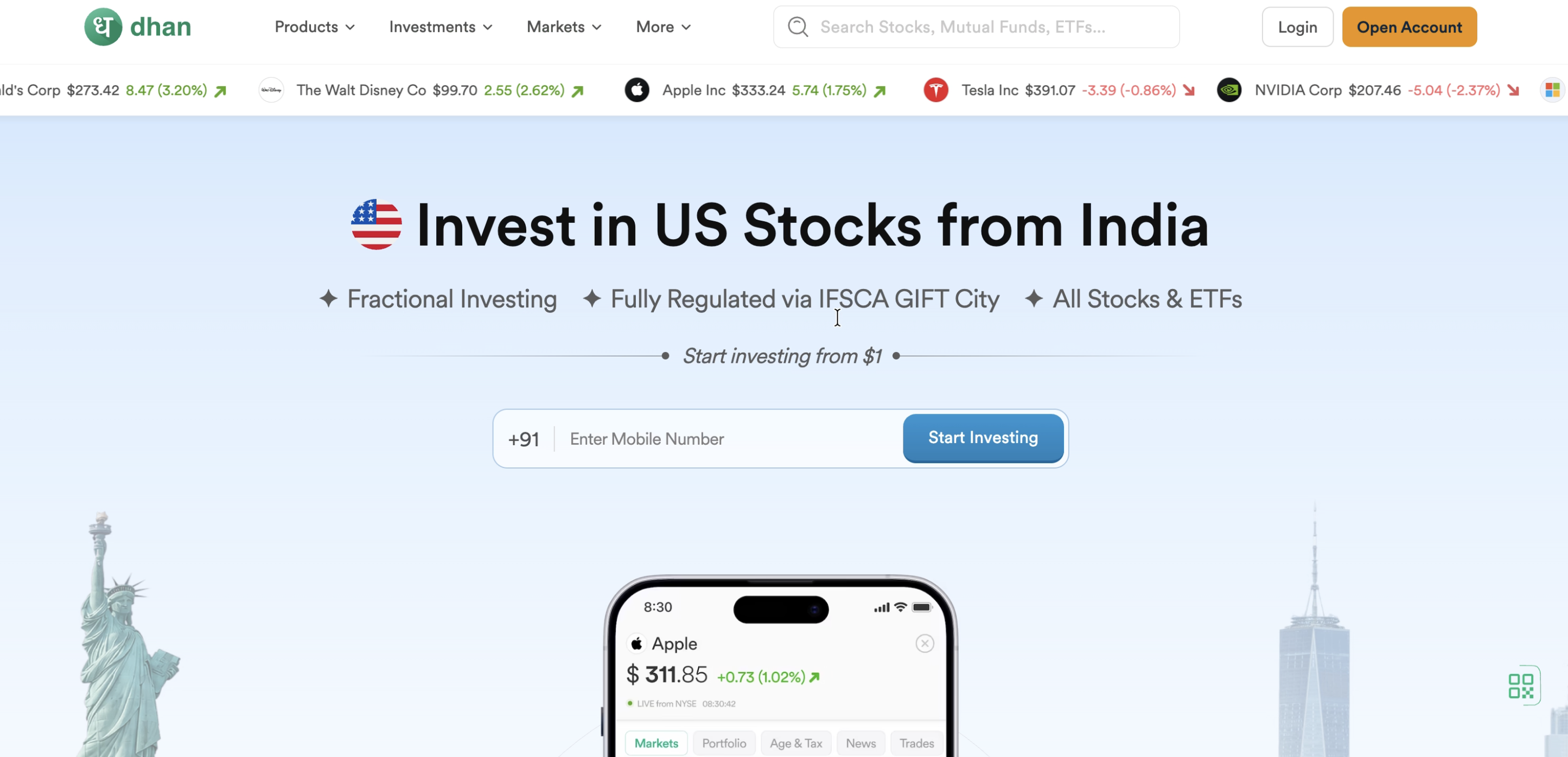
Head to Dhan's US stocks landing page and enter your mobile number to kick off registration. This is also where the platform highlights its core pitch — fractional investing, IFSCA-regulated access via GIFT City, and support for a broad universe of US stocks and ETFs.
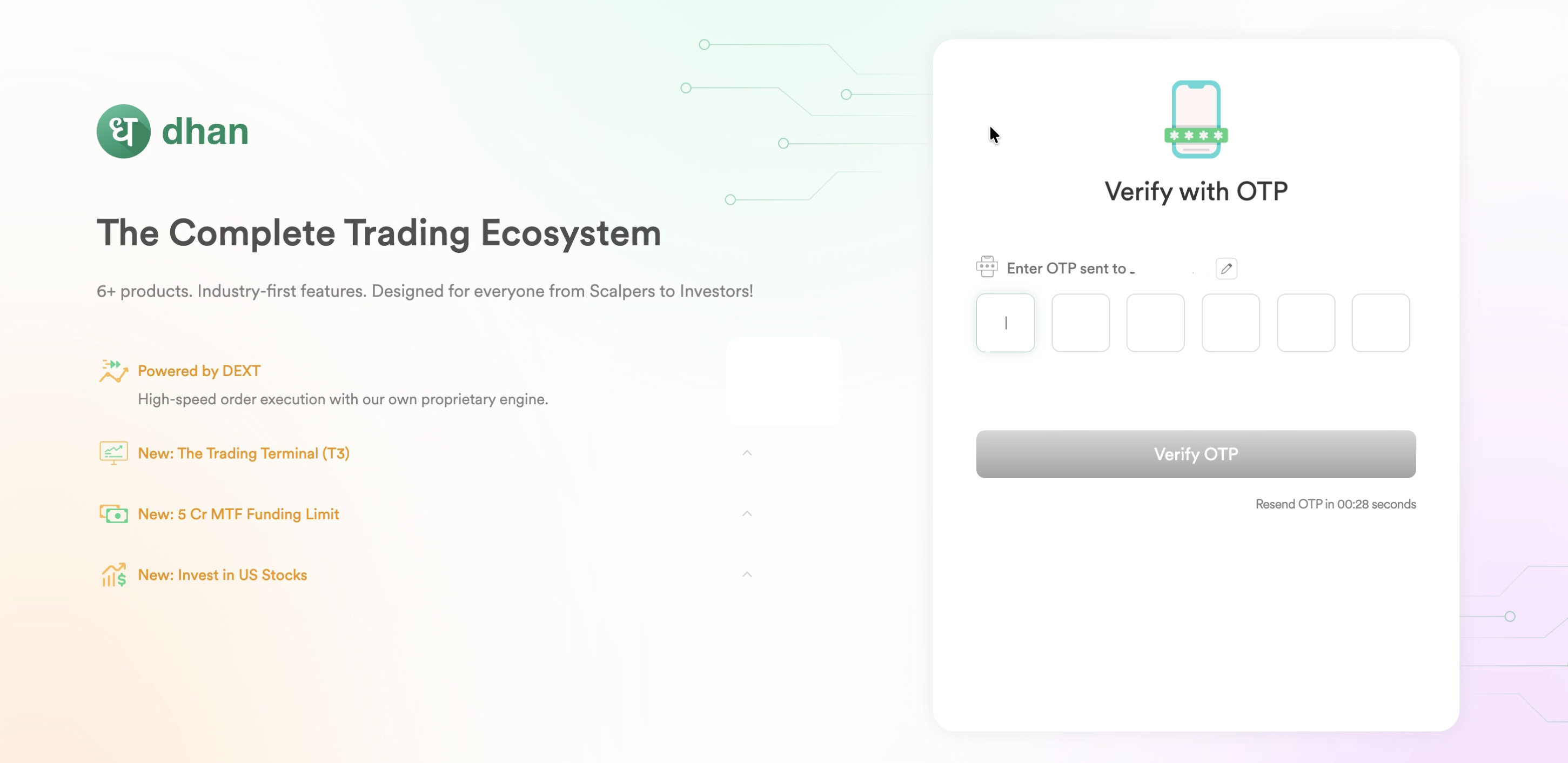
An OTP is sent to the mobile number you entered. Enter it to confirm your identity and proceed to the next step.
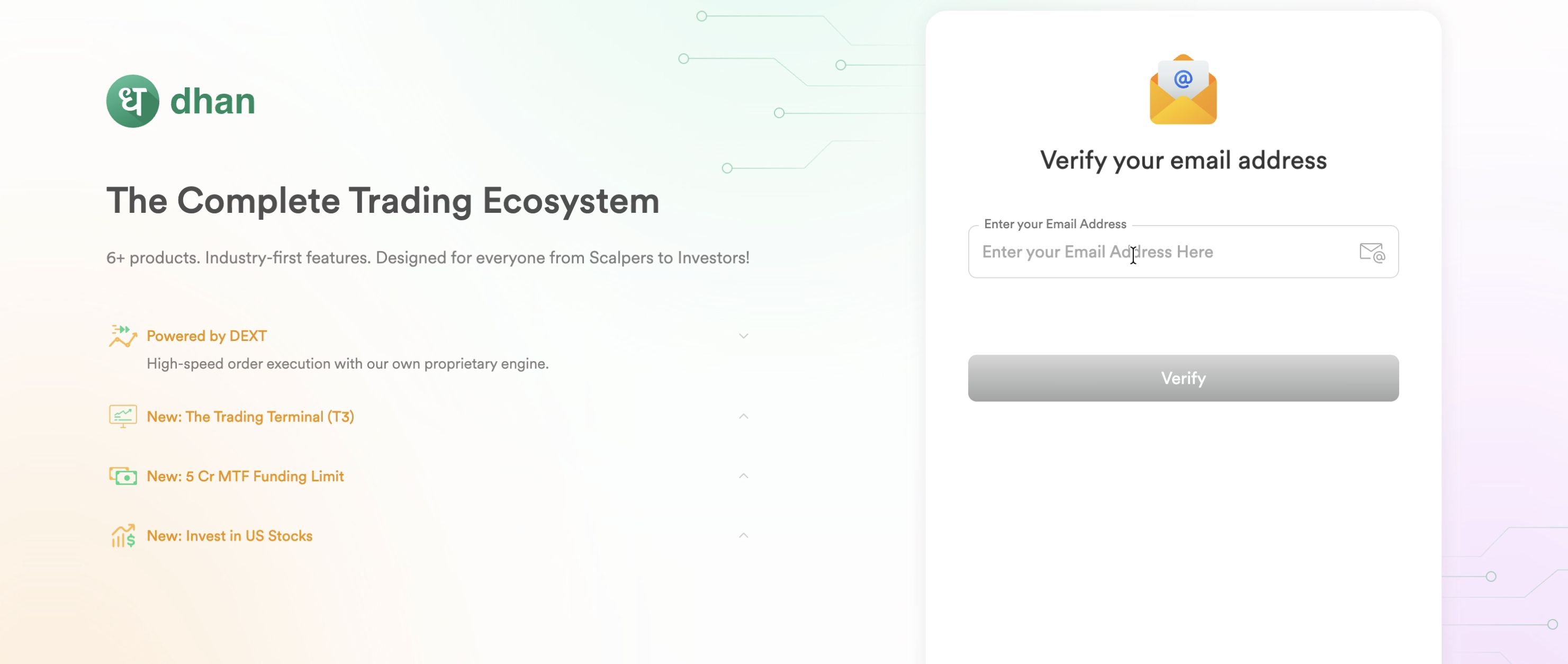
Next, enter and verify your email address. This becomes the primary email tied to your Dhan account and trading notifications.
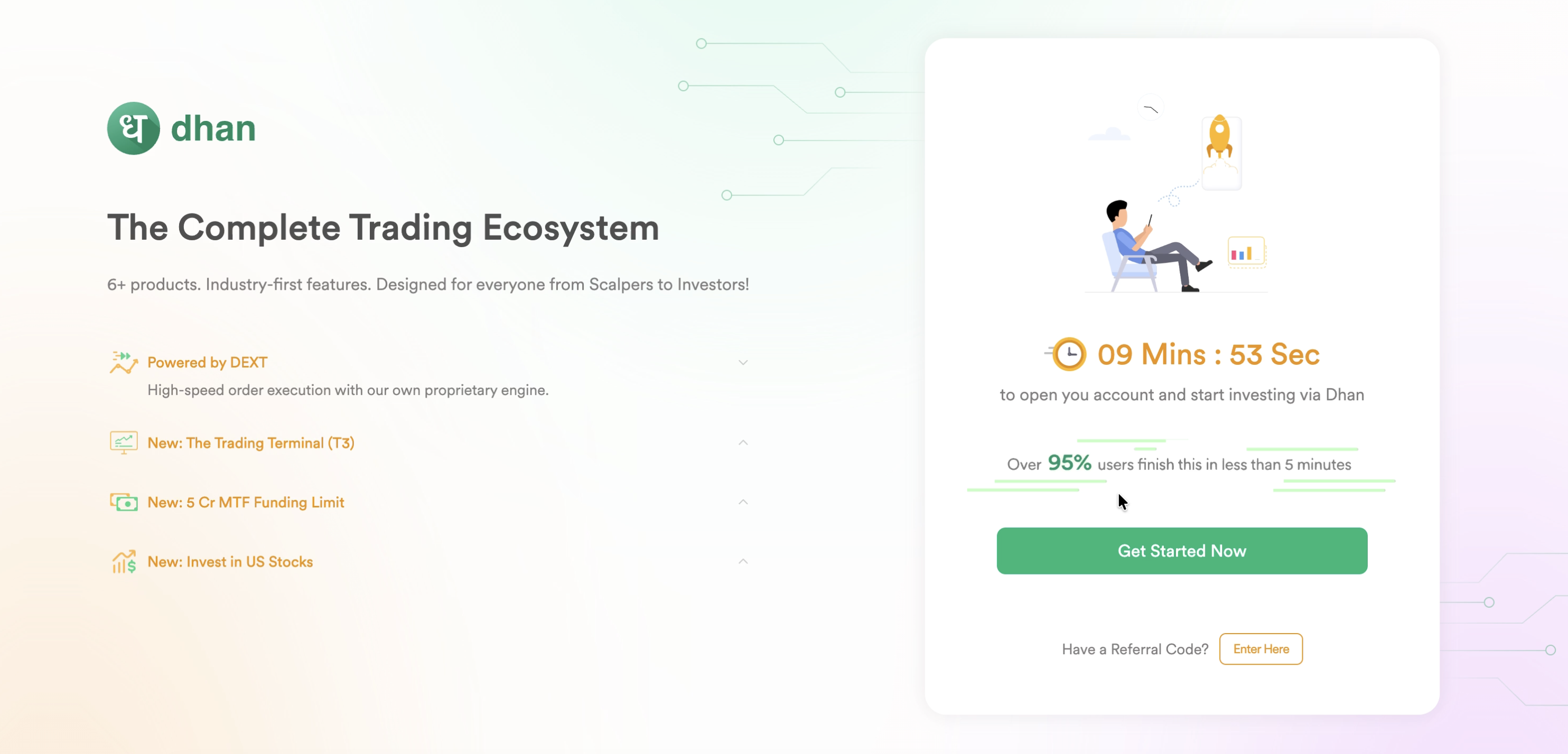
Once your contact details are verified, Dhan shows an estimated time to complete account opening (it claims under 10 minutes, with over 95% of users finishing in under 5). Click "Get Started Now" to begin — you can also enter a referral code here if you have one.
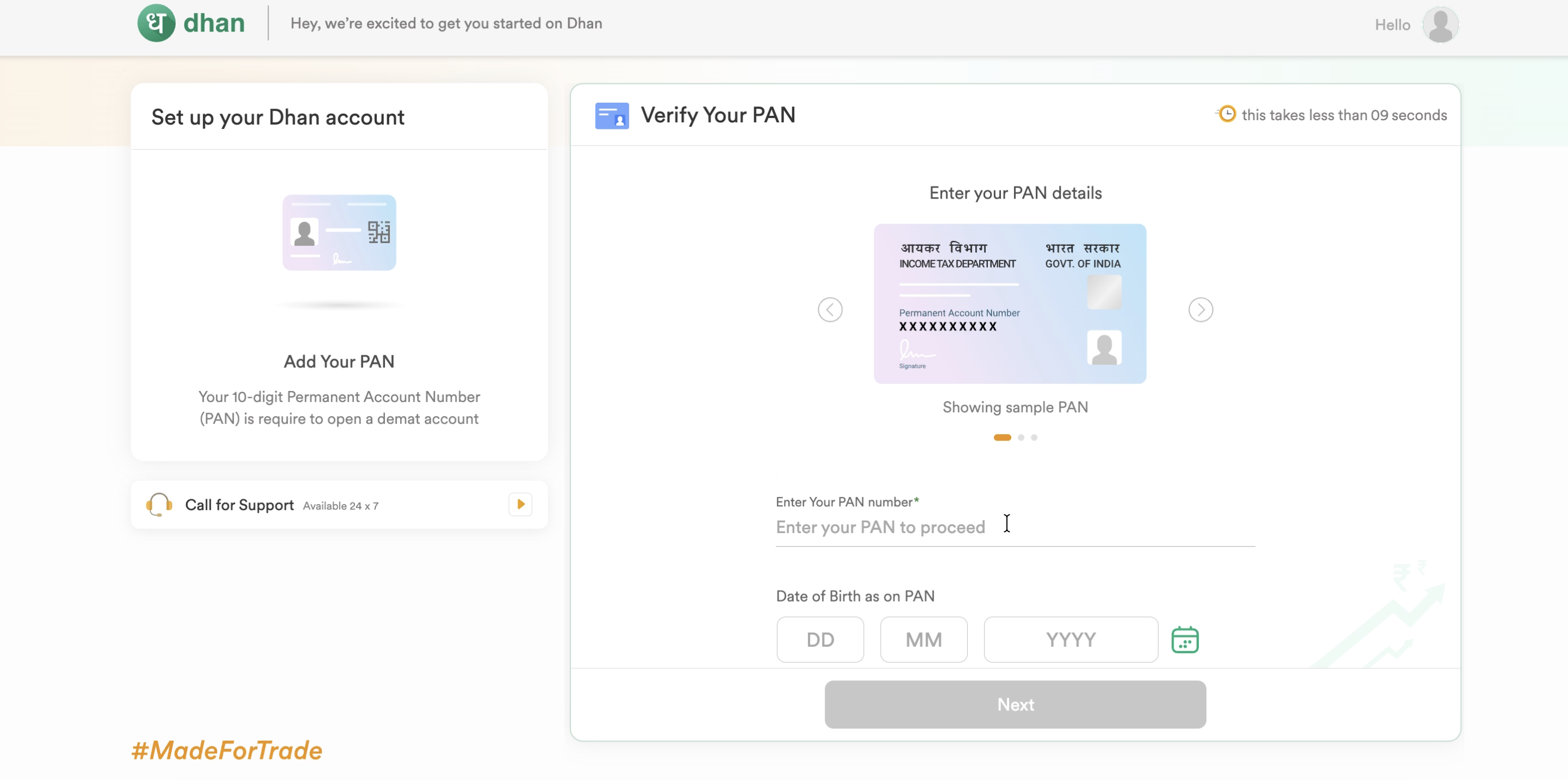
Your 10-digit PAN is mandatory to open a demat account. Enter your PAN number along with your date of birth as it appears on the PAN card.
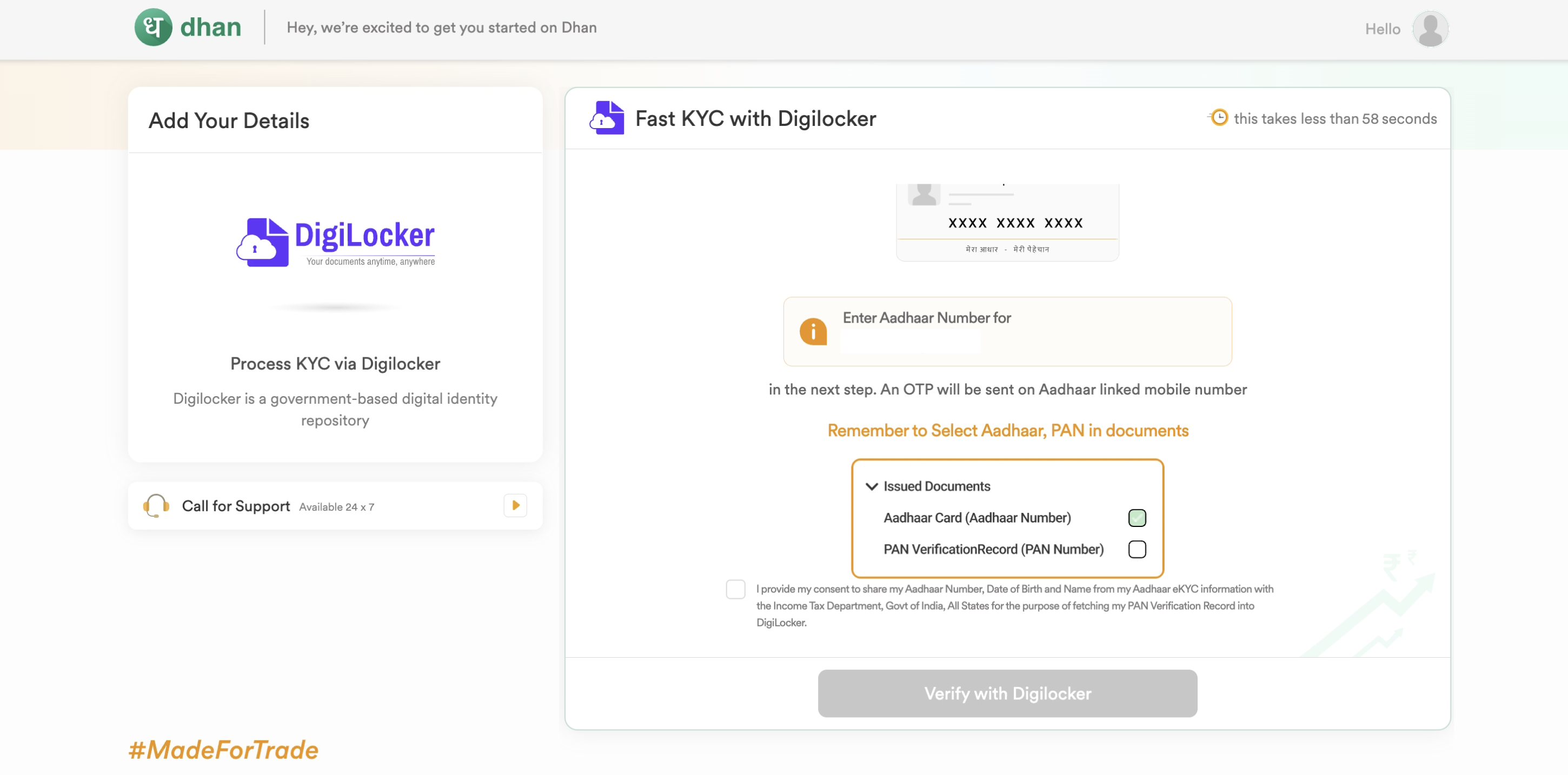
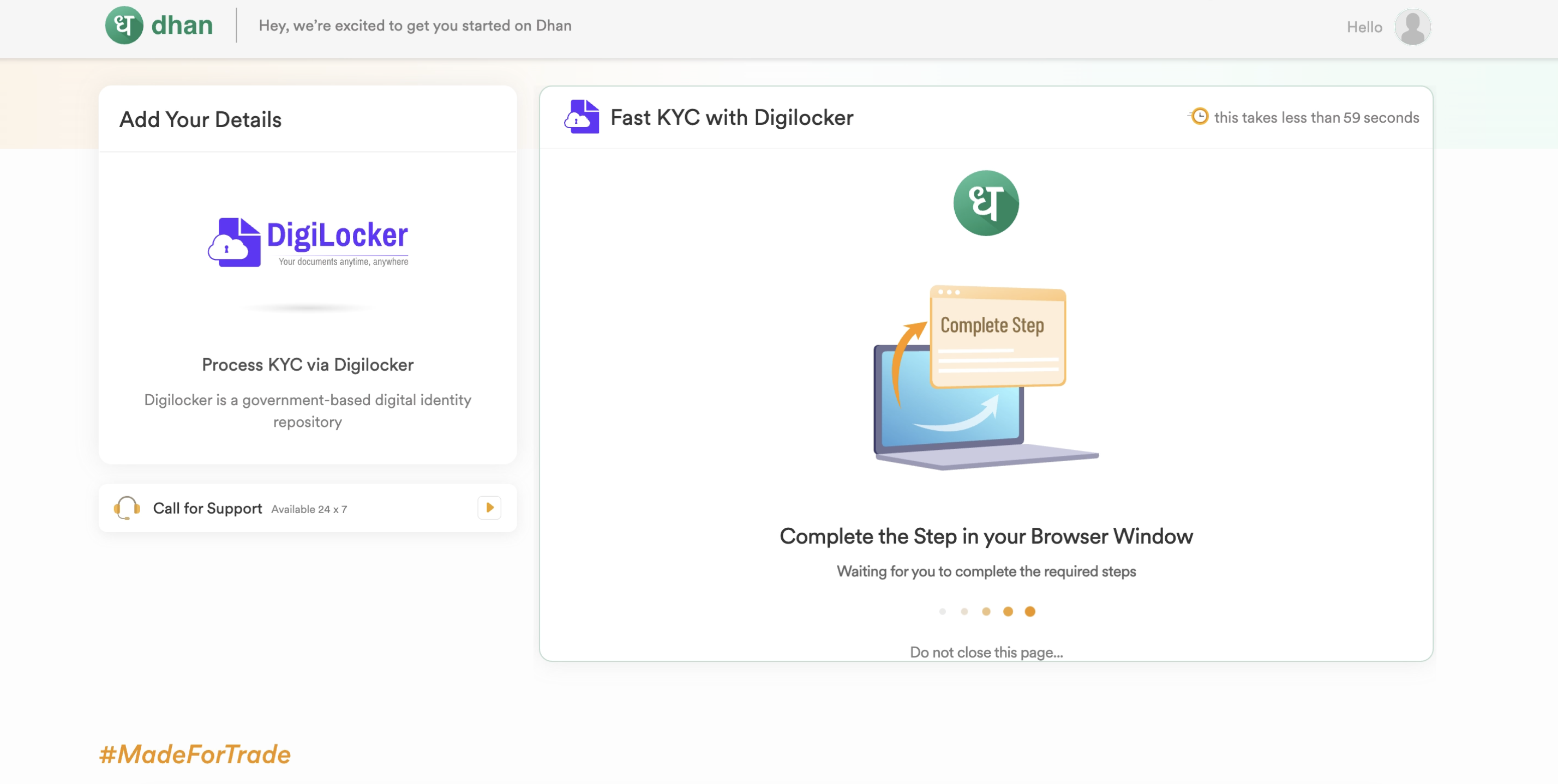
Dhan uses DigiLocker — the government's digital identity repository — for fast KYC. You'll enter your Aadhaar number, consent to sharing your Aadhaar eKYC details with the Income Tax Department for PAN verification, and select the documents to fetch (Aadhaar Card and PAN Verification Record).
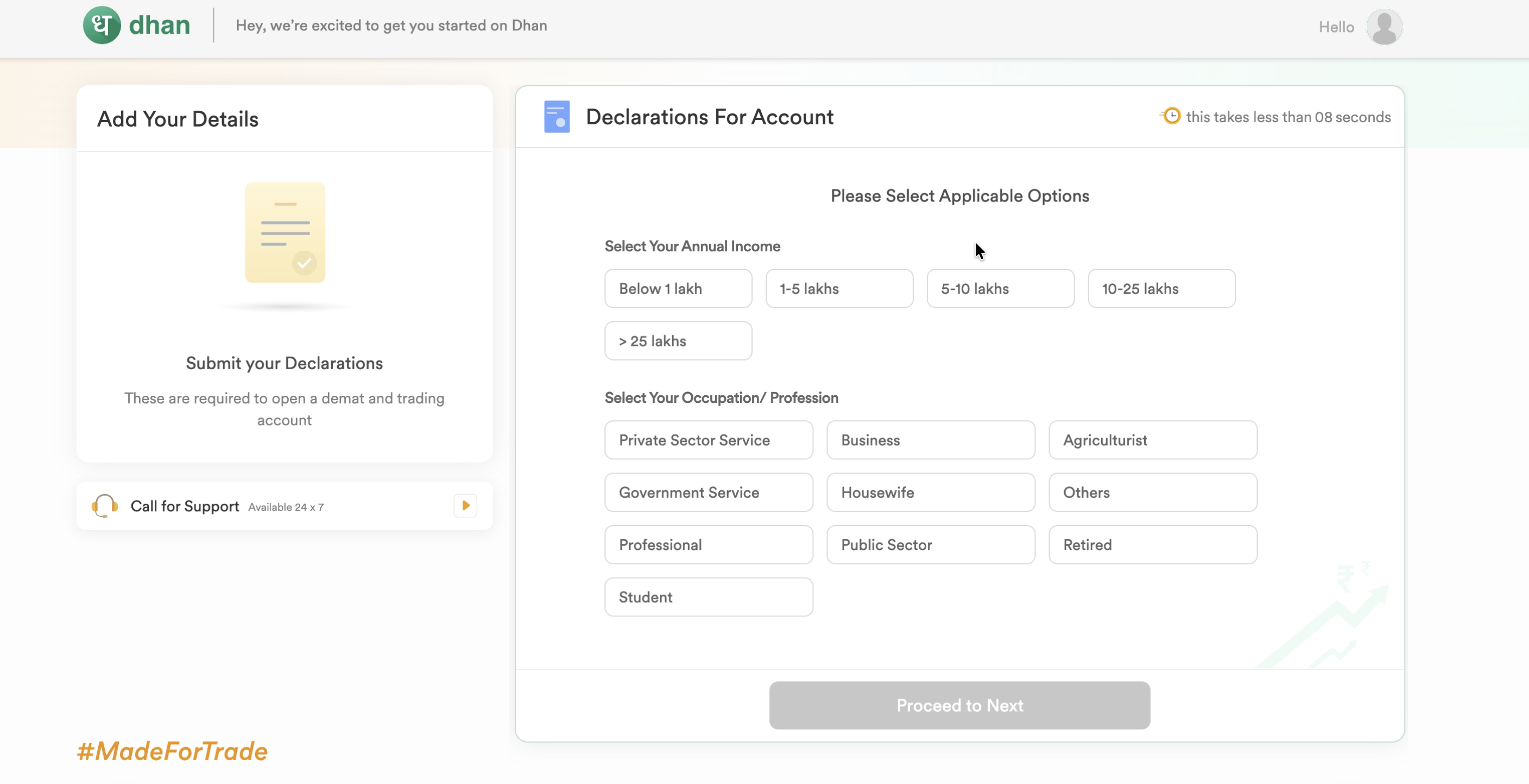
You'll need to declare your annual income bracket and occupation/profession — standard requirements for opening any demat and trading account in India.
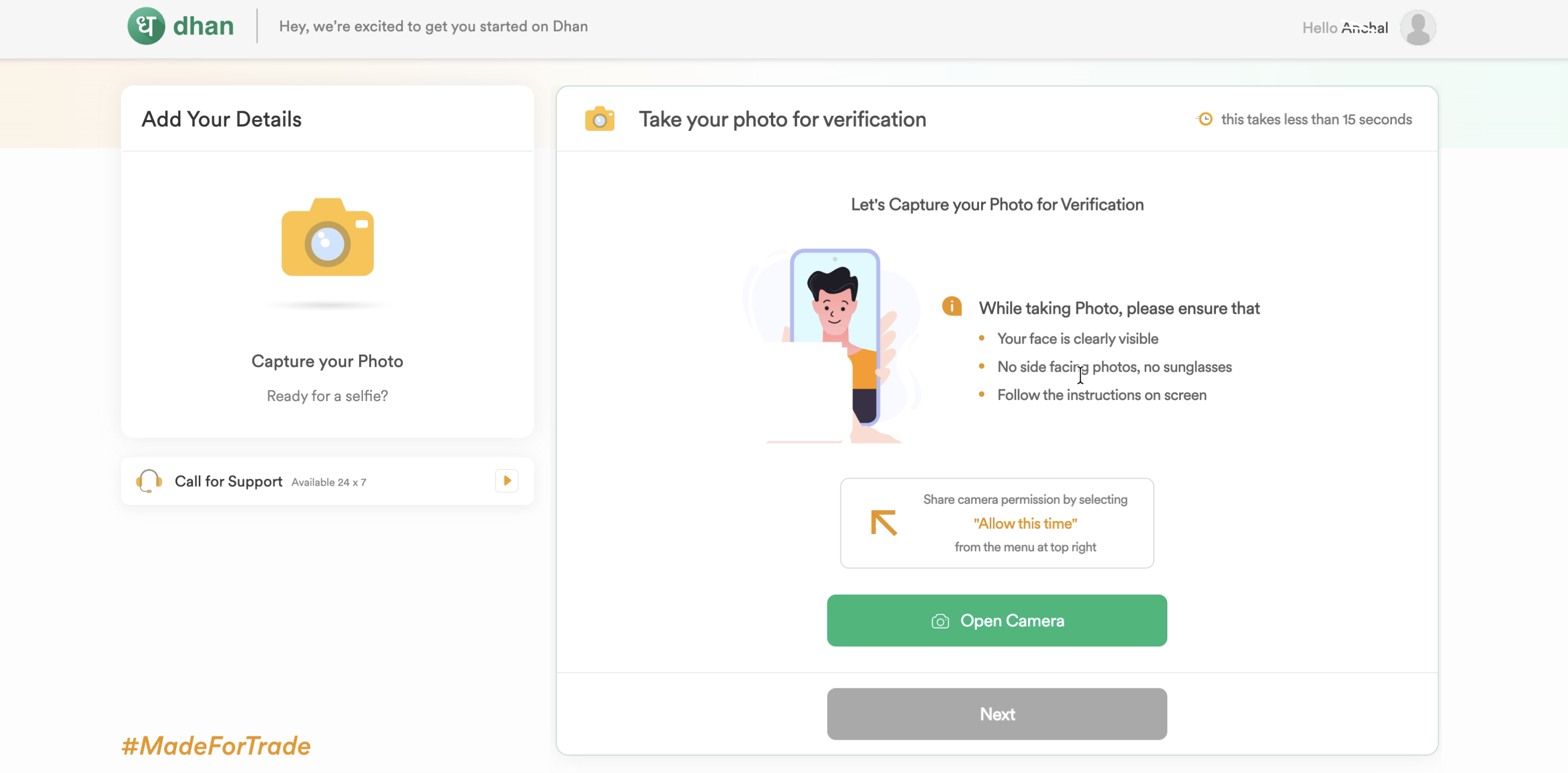
A live selfie is required for identity verification. Dhan asks you to ensure your face is clearly visible, avoid side-facing angles or sunglasses, and allow camera access when prompted.
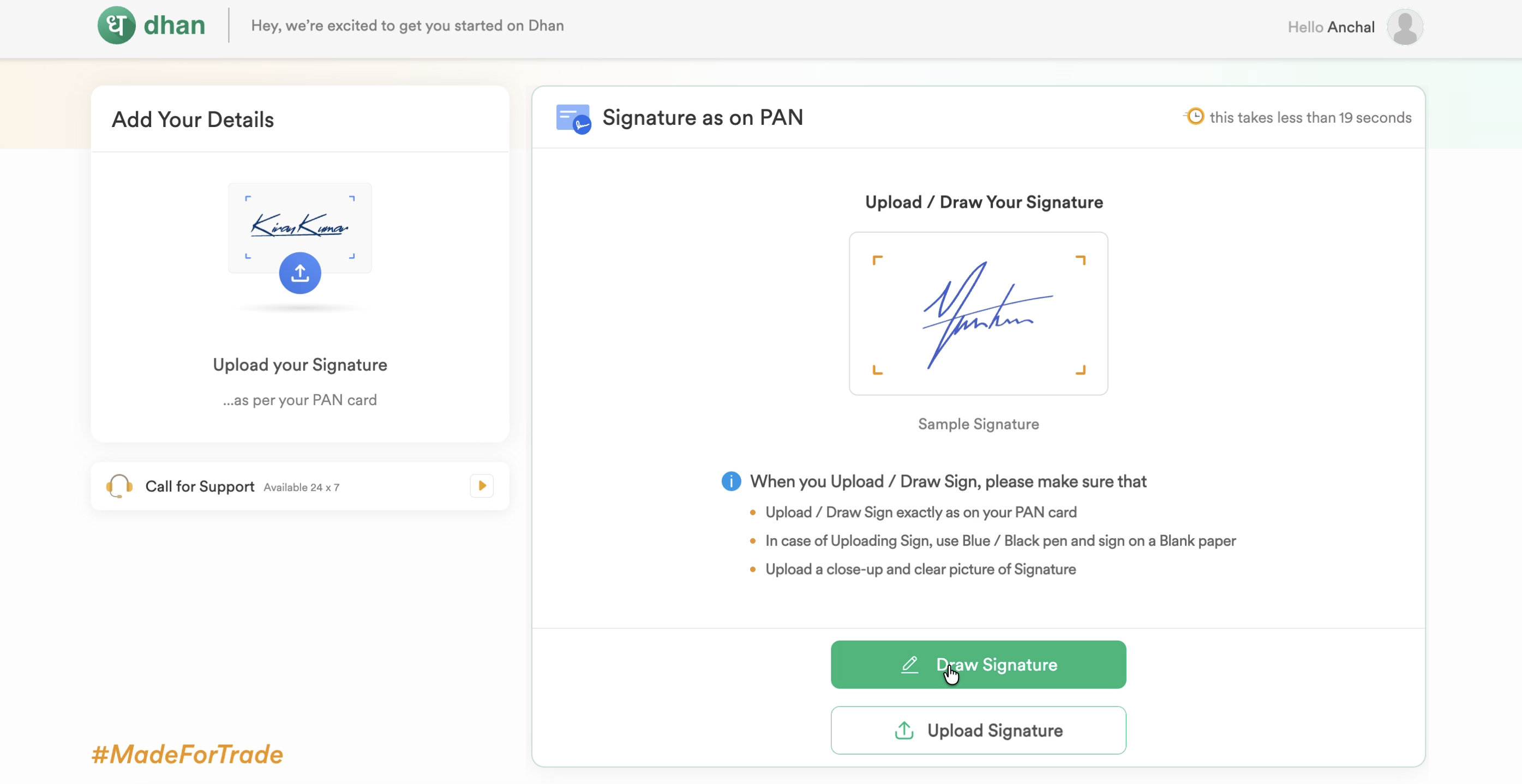
Your signature — matching the one on your PAN card — can either be drawn directly on screen or uploaded as a photo taken with a blue/black pen on plain paper.
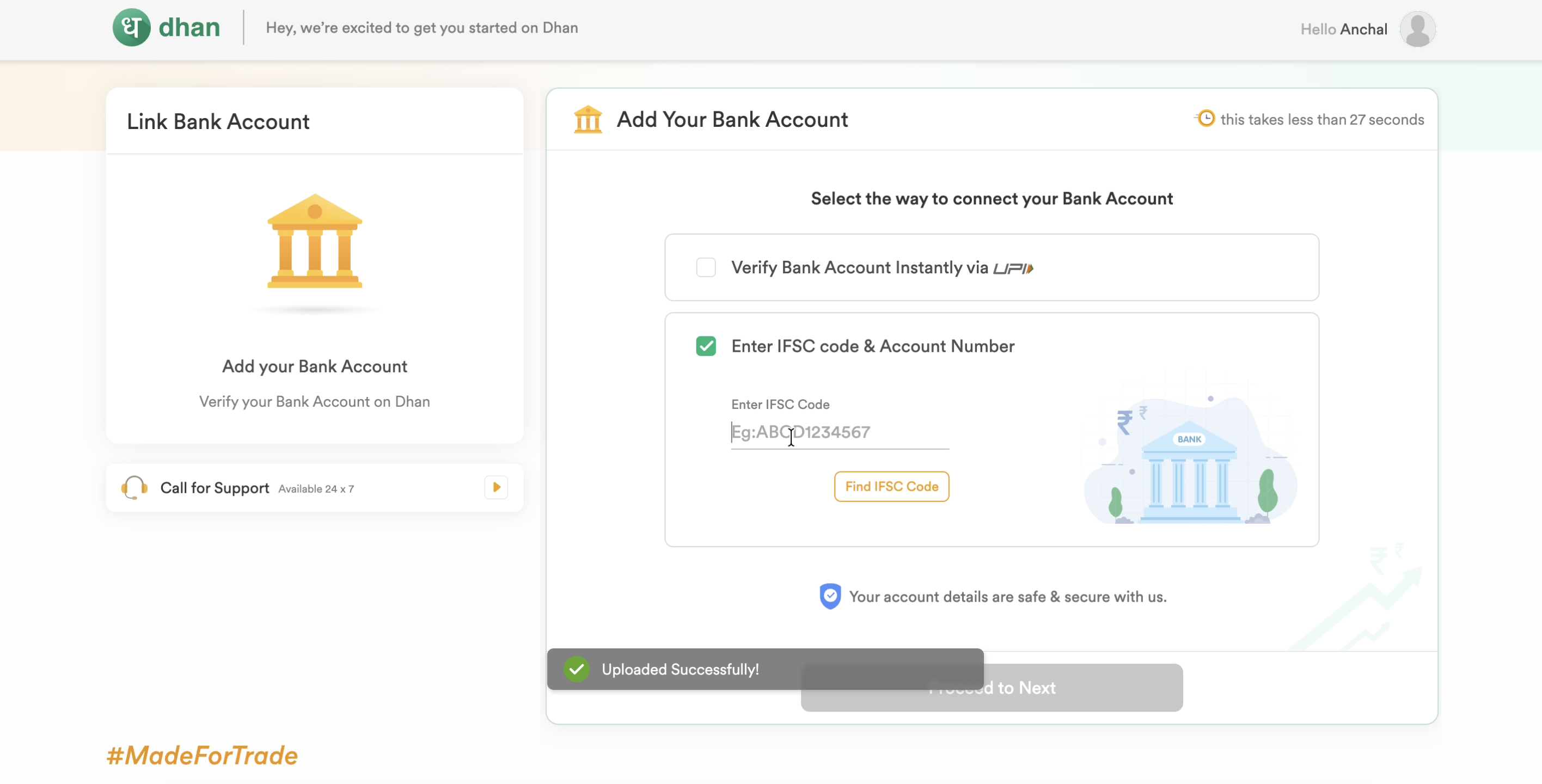
Finally, link your bank account either instantly via UPI or by manually entering your IFSC code and account number. This is the account your domestic funds will move from when you remit money under LRS.
Continuing on the Mobile App
Once you've been onboarded, download the Dhan app to finish setting up global investing. The app walks you through a short onboarding carousel, a mandatory risk disclosure for global investments, and then a one-tap activation that completes your KYC.
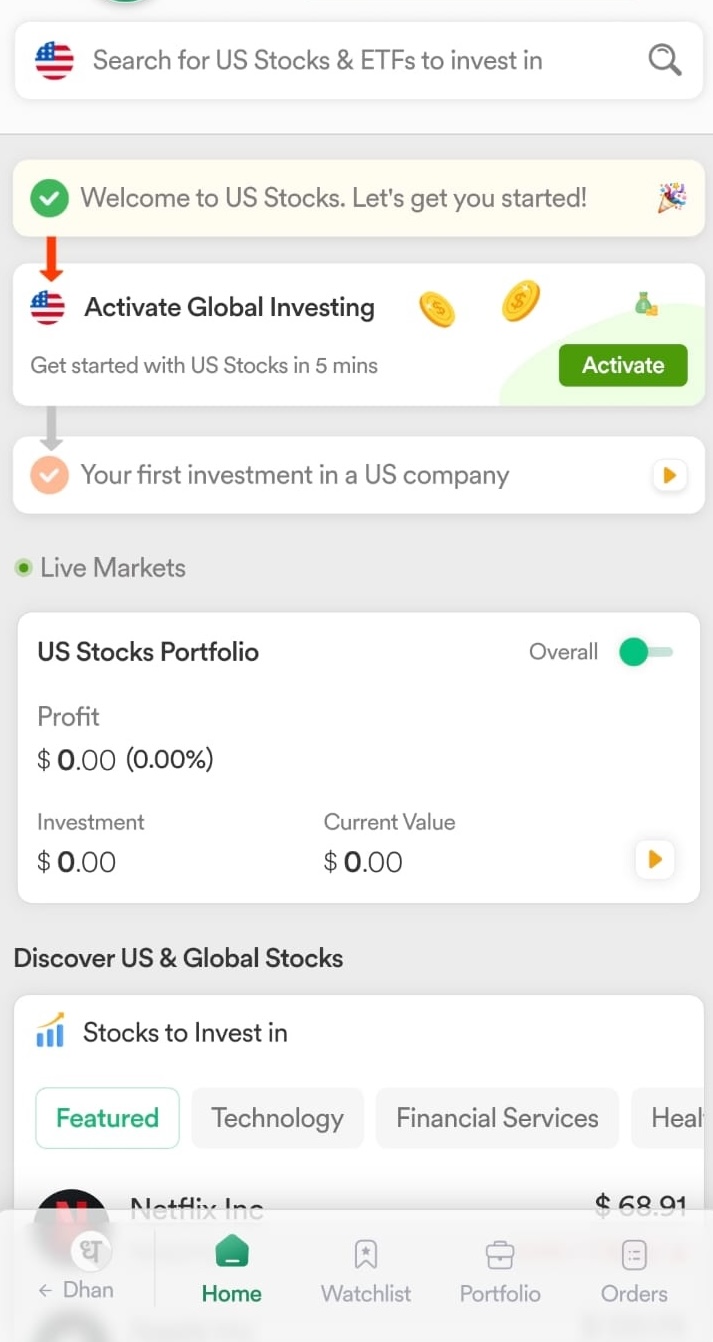
Open the Dhan app and head to the US Stocks section. You'll see an "Activate Global Investing" prompt on the home screen — tap Activate to kick off the in-app onboarding.
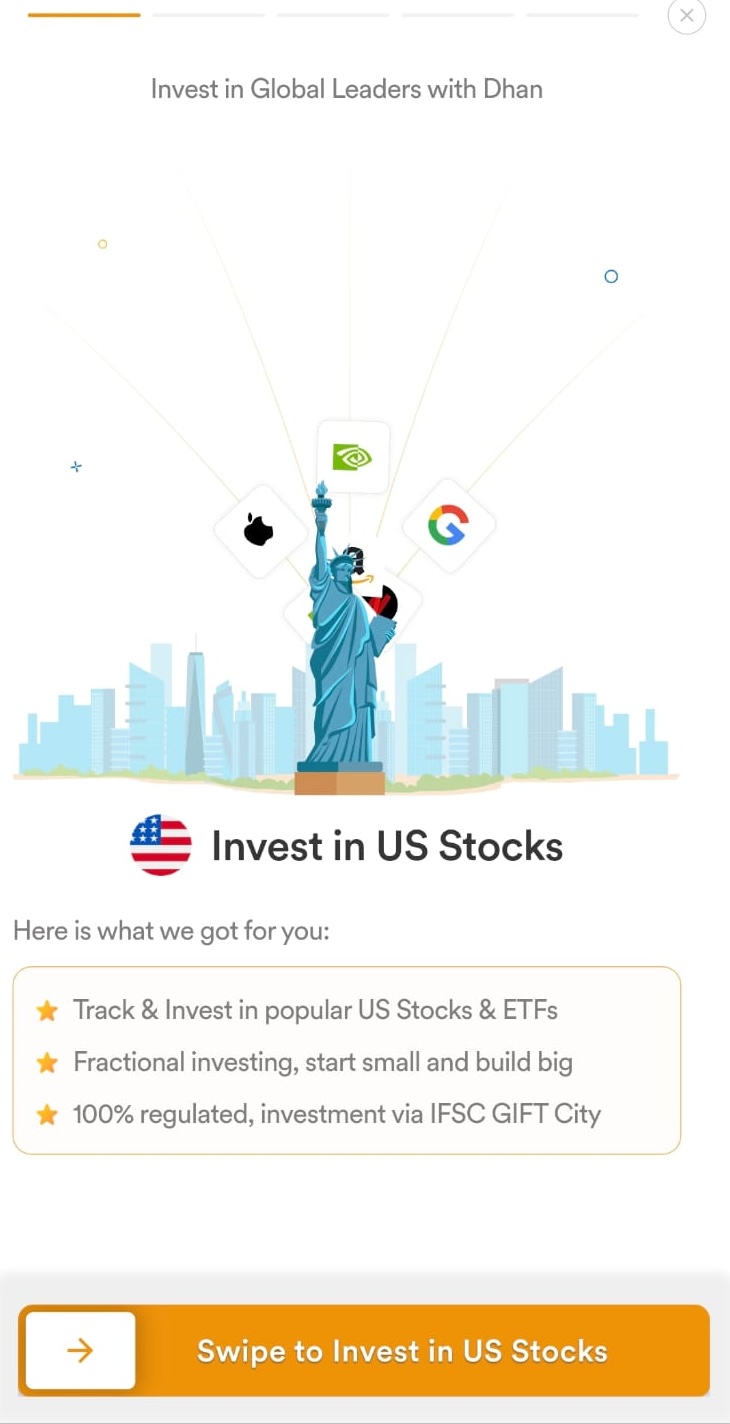
Next, the app shows a short carousel introducing global investing — fractional investing, IFSC GIFT City regulation, and the ability to track and invest in popular US stocks and ETFs. Swipe to continue.
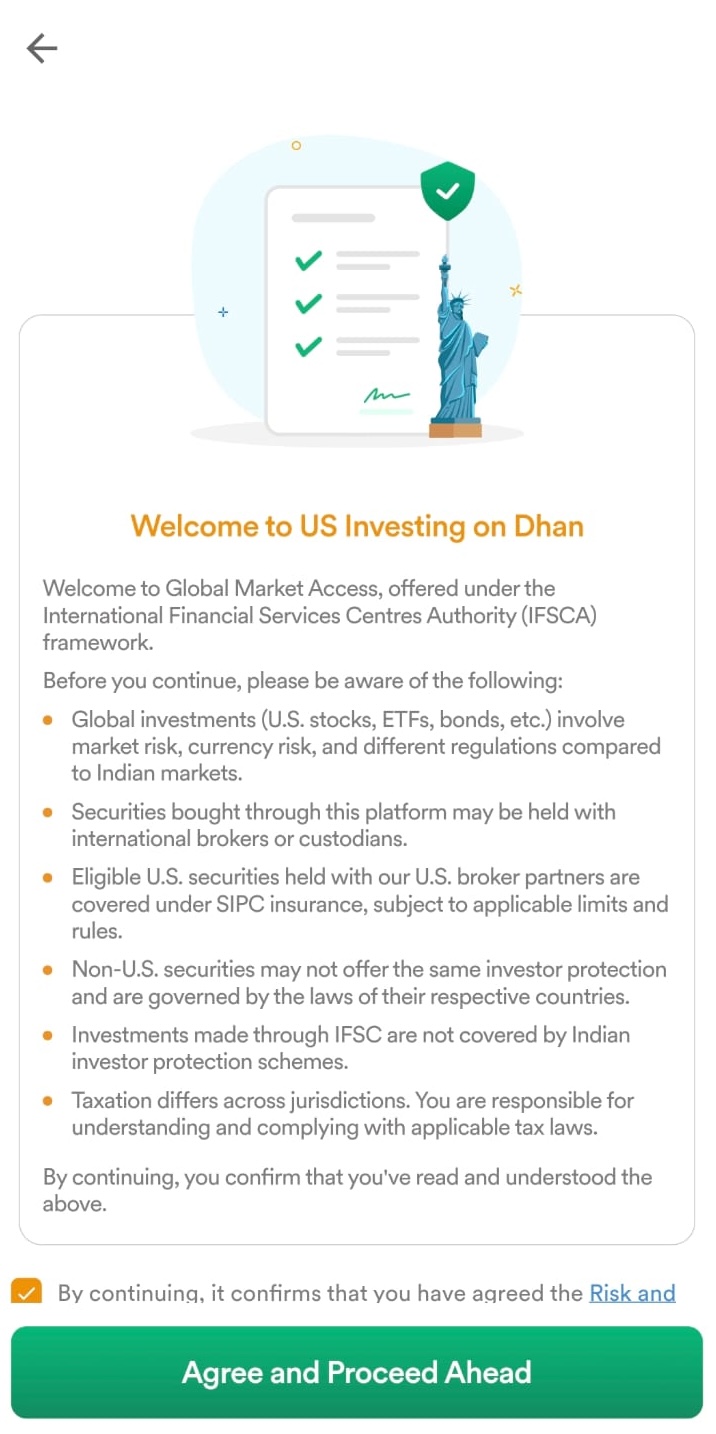
Before you can proceed, Dhan shows a mandatory disclosure covering how global investing works under the IFSCA framework — market and currency risk, custody of securities with international brokers, the fact that eligible securities held through the underlying US broker may receive SIPC protection subject to SIPC's rules and eligibility limits, and the fact that IFSC investments aren't covered by Indian investor protection schemes. Tick the checkbox and hit "Agree and Proceed Ahead." From here, you're walked through the same KYC checks covered in the web flow above — PAN, DigiLocker verification, declarations, photo, and signature — just inside the app. Once you complete that final KYC step, you're done: your account is active and ready to invest in US stocks.
Inside the Platform App
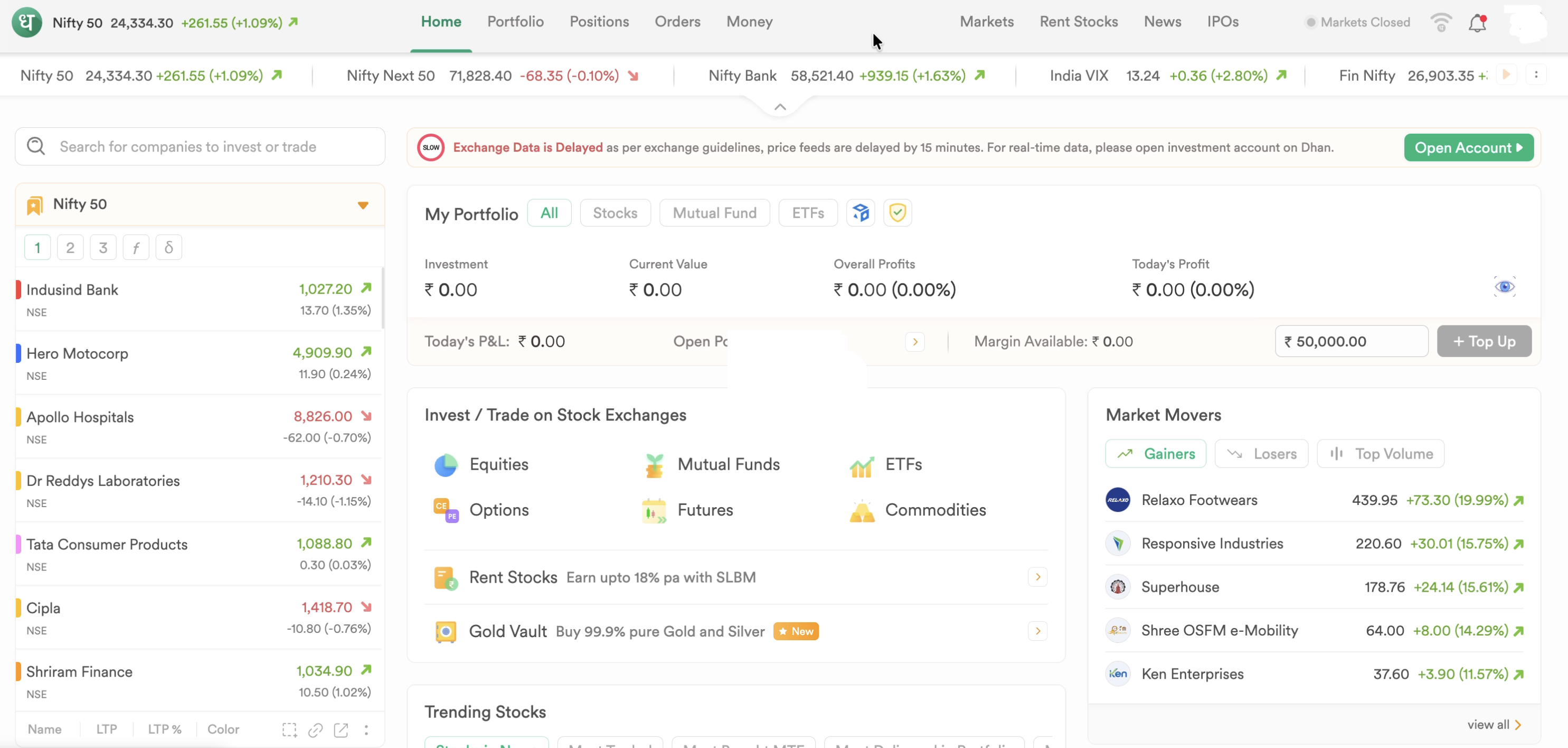
Once your account is live, here's a look at the Dhan dashboard — where you can track your portfolio, browse market movers, and access equities, mutual funds, ETFs, options, futures, and commodities from a single home screen.
Funding Your Account & Brokerage Fees
How to Fund Your Account
Funding follows the RBI's Liberalised Remittance Scheme (LRS) framework, which carries an annual LRS limit of $250,000 per financial year for resident individuals. Funds are transferred from your domestic bank account to your Raise IFSC ledger. Depending on the funding route and prevailing tax rules, eligible transfers into IFSC investment accounts may receive different TCS treatment from conventional overseas remittances. Investors should confirm the applicable treatment with their bank and tax adviser before remitting.
Pricing and Fees
Dhan publicly announced its pricing for US stock and ETF investing through Raise IFSC at launch. Here's what's confirmed:
| Fee Type | Amount |
|---|---|
| Account Opening | Free |
| Annual Maintenance Charge (AMC) | ₹0 — not charged |
| Custody Fee | Not charged |
| Brokerage | Flat 0.25% of transaction value on both buy and sell trades (minimum $0.01 brokerage), as published by Dhan in July 2026 |
| Minimum Funding / Fractional Investing | Fractional investing lets you start from as little as $1 |
| Pay-in (Funding) Fee | $1 flat fee on transfers below $100; free on transfers of $100 or more |
| FX Conversion Spread | Not publicly disclosed as a fixed number; applied by Dhan's payment partner (GlomoPay) at the time of remittance — confirm the live rate before transferring funds |
| Withdrawal Fee | Free, as published by Dhan — reconfirm in-app before initiating a withdrawal since fee schedules can change |
| Settlement Cycle | US equity trades settle on the applicable US market settlement cycle (currently T+1) |
| Inactivity Fee | None disclosed for the domestic platform; no separate policy published for the US stocks product |
Fee figures above are sourced from Dhan's public launch announcement and pricing pages as of July 2026. Fees can change — always confirm current numbers on Dhan's official pricing page before funding your account.
Pros and Cons: Compared to Competitors
- IFSC trades generally do not attract STT or Indian stamp duty. Confirm the applicable charges with your broker.
- Native app integration means no need to juggle multiple login profiles across platforms.
- Fractional share features make it easier to dollar-cost average into global indices.
- The asset universe is smaller than direct US brokers like Interactive Brokers or Charles Schwab.
- Remittances are bound by standard retail LRS tax rules, including domestic TCS tracking.
- Varying liquidity depth on specific localized contracts compared to primary US exchanges.
Tax Implications: Dealing with Schedule FA
Even though trading within a GIFT City framework offers specific domestic tax benefits, resident Indian investors must remain fully compliant with overseas asset reporting rules. Resident taxpayers should review whether their US equities, exchange receipts, and uninvested dollar cash balances held in a Raise IFSC account are reportable under Schedule FA, based on current Income-tax Act requirements and CBDT guidance — reporting obligations for IFSC-held assets can depend on the legal ownership structure involved, and this is an area where guidance continues to evolve. Because guidance continues to evolve, many taxpayers choose to report such holdings conservatively after consulting a tax professional.
Where reporting is required, holdings are typically declared under Schedule FA in your annual ITR-2 or ITR-3 filings. Schedule FA monitors holdings based on the Calendar Year (January 1 – December 31) rather than the standard Indian Financial Year, and the Initial Value, Peak Value, and Closing Value are typically converted using the historical SBI Telegraphic Transfer Buying Rate (TTBR) for the relevant dates. Non-disclosure of reportable foreign assets may attract significant penalties — and potentially prosecution — under the Black Money (Undisclosed Foreign Income and Assets) and Imposition of Tax Act, 2015, though the Act also allows for reasonable-cause defenses; it isn't the case that missing a single holding automatically triggers a fixed penalty. Given the complexity and the evolving guidance here, it's worth consulting a tax professional on your specific holdings — our Schedule FA checklist and US Estate Tax Calculator can help you get oriented first.
Dividend Taxation
Dividends are generally subject to US withholding tax at source (typically reduced under the India-US Double Taxation Avoidance Agreement, or DTAA, where applicable) before they reach your account, and are also taxable in India on your worldwide income, with DTAA relief typically available so you aren't taxed twice on the same dividend. The exact withholding rate and DTAA mechanics depend on your specific situation, so check Dhan's dividend taxation FAQ and consult a tax professional for your filing.
Estate Tax
Depending on the legal ownership structure of the investment, US estate tax rules may apply to US-situs assets, including US stocks held through Raise IFSC. Use our US Estate Tax Calculator to estimate potential exposure, and refer to Dhan's own estate tax FAQ for platform-specific detail.
Frequently asked, honestly answered.
0 1 Do I need to pay brokerage fees if I am only buying fractional shares?
Yes. Dhan charges a flat 0.25% brokerage on the transaction value, whether you buy a full share or a fractional amount — there's no separate reduced rate for fractional orders. Confirm the live rate on Dhan's pricing page before trading, since fee structures can change.
0 2 Can I file my taxes via ITR-1 if I hold assets in Dhan Raise IFSC?
No. The simple ITR-1 form does not contain the mandatory Schedule FA reporting module. You will need to upgrade your tax filing method to an ITR-2 or ITR-3 form — see our Schedule FA checklist for the full reporting process.
0 3 How does Dhan's GIFT City account compare to NSE IX Global Access directly?
Dhan acts as the participant broker connecting you to the underlying exchange clearing systems. While the base exchange rules are aligned, the user interface, customer support, and specific retail fee packages are custom-built by Dhan. Read our NSE IX Global Access review for a side-by-side comparison.
0 4 How long does account approval take?
The web onboarding flow itself takes under 10 minutes to complete (Dhan claims over 95% of users finish in under 5). After submission, exchange-side verification typically takes 24–48 hours, after which your account is ready to trade.
0 5 What documents do I need to open an account?
You'll need your PAN card, Aadhaar (for DigiLocker-based KYC), a live selfie for photo verification, your signature (drawn or uploaded), your bank account details (IFSC code and account number), and declarations of your annual income and occupation.
0 6 Can NRIs use Dhan Raise IFSC?
The onboarding flow shown in this review — PAN, Aadhaar-based DigiLocker KYC, and LRS-based funding — is designed for resident Indian individuals investing under the RBI's Liberalised Remittance Scheme. NRIs are subject to a different regulatory and tax framework and are not eligible to invest via LRS; check directly with Dhan support for NRI-specific account options, if any.
0 7 Can I transfer existing US stock holdings into my Dhan Raise IFSC account?
This isn't a feature we've seen documented for Dhan's Raise IFSC product. If you already hold US stocks with another broker (say, Interactive Brokers or Schwab), check with Dhan support directly on whether an ACATS-style transfer-in is supported before assuming you can move existing holdings across.
0 8 What happens to my holdings during a stock split, merger, or spin-off?
Dhan's FAQs cover how corporate actions on your US holdings — stock splits, mergers, dividends, spin-offs, and rights issues — are processed and reflected in your Raise IFSC account. The specific mechanics and timelines can vary by action type, so check Dhan's in-app help center or support for how a particular event will be handled.
0 9 Can I buy UCITS ETFs through Dhan Raise IFSC?
Dhan's Raise IFSC platform is built around a broad universe of US-listed stocks and ETFs available through Raise IFSC, not Irish-domiciled UCITS ETFs. If UCITS exposure (with its more favorable US estate tax treatment) is what you're after, see our Irish-domiciled UCITS ETF guide for platforms that support them.